Android device audio translation
Translate Android app audio when Android lets you capture it.
Chuchotage's Android path supports Device audio for eligible app playback after the Android capture approval prompt.
Use caseFollow a video, webinar, class, social clip, or app audio playing on the same Android phone.
RequirementAndroid 10 or newer, user approval through MediaProjection, and source audio that allows Android playback capture.
StatusImplemented in the native Android app, which is publicly listed on Google Play.
What it does
What it does
On Android, Device audio means Chuchotage asks Android for a playback-capture stream, sends the captured audio to Realtime Translation while active, and plays back translated speech.
This is different from microphone listening. It is for audio coming from the phone itself, but Android and the source app decide what can be captured.
Screenshots
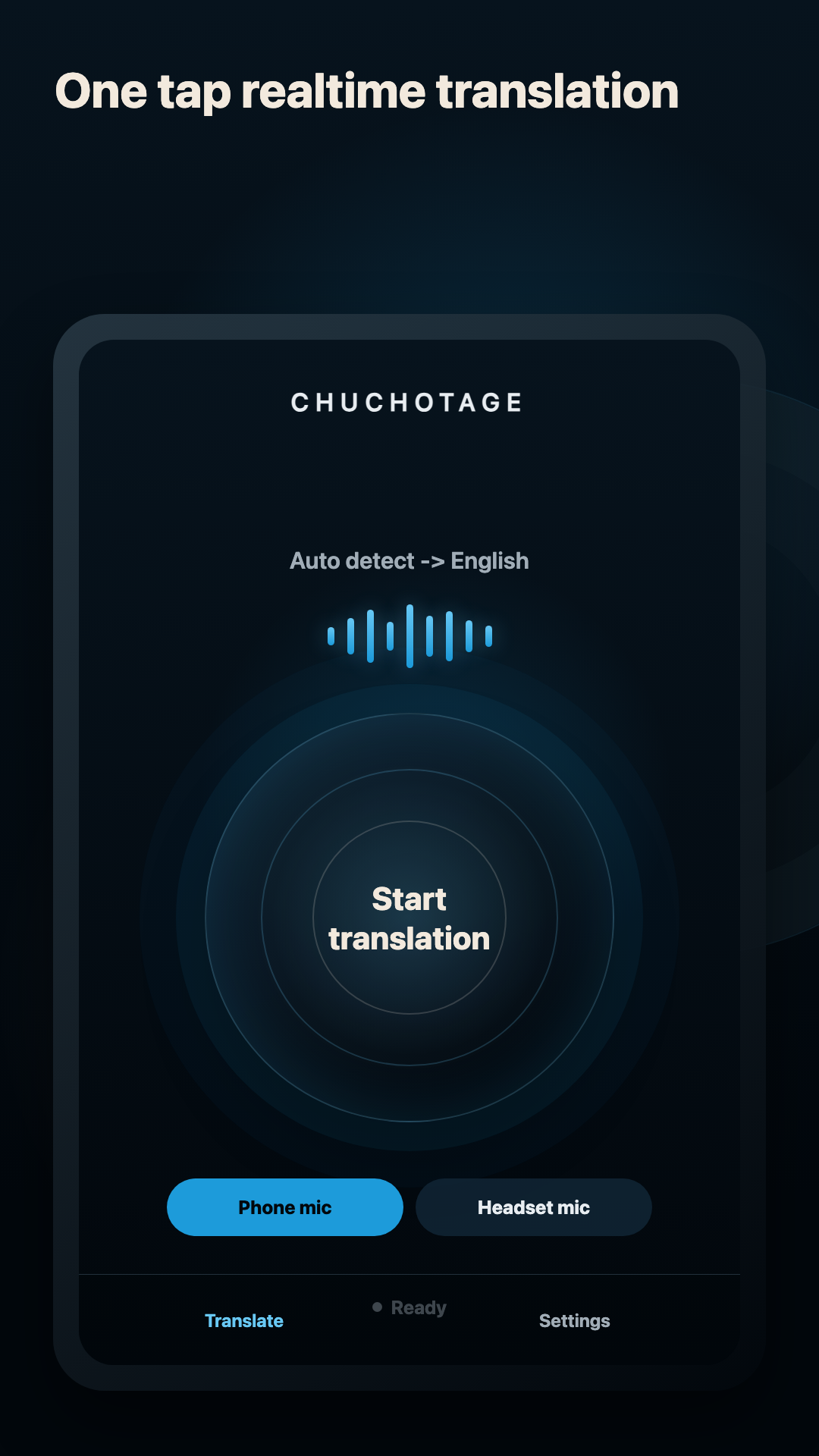
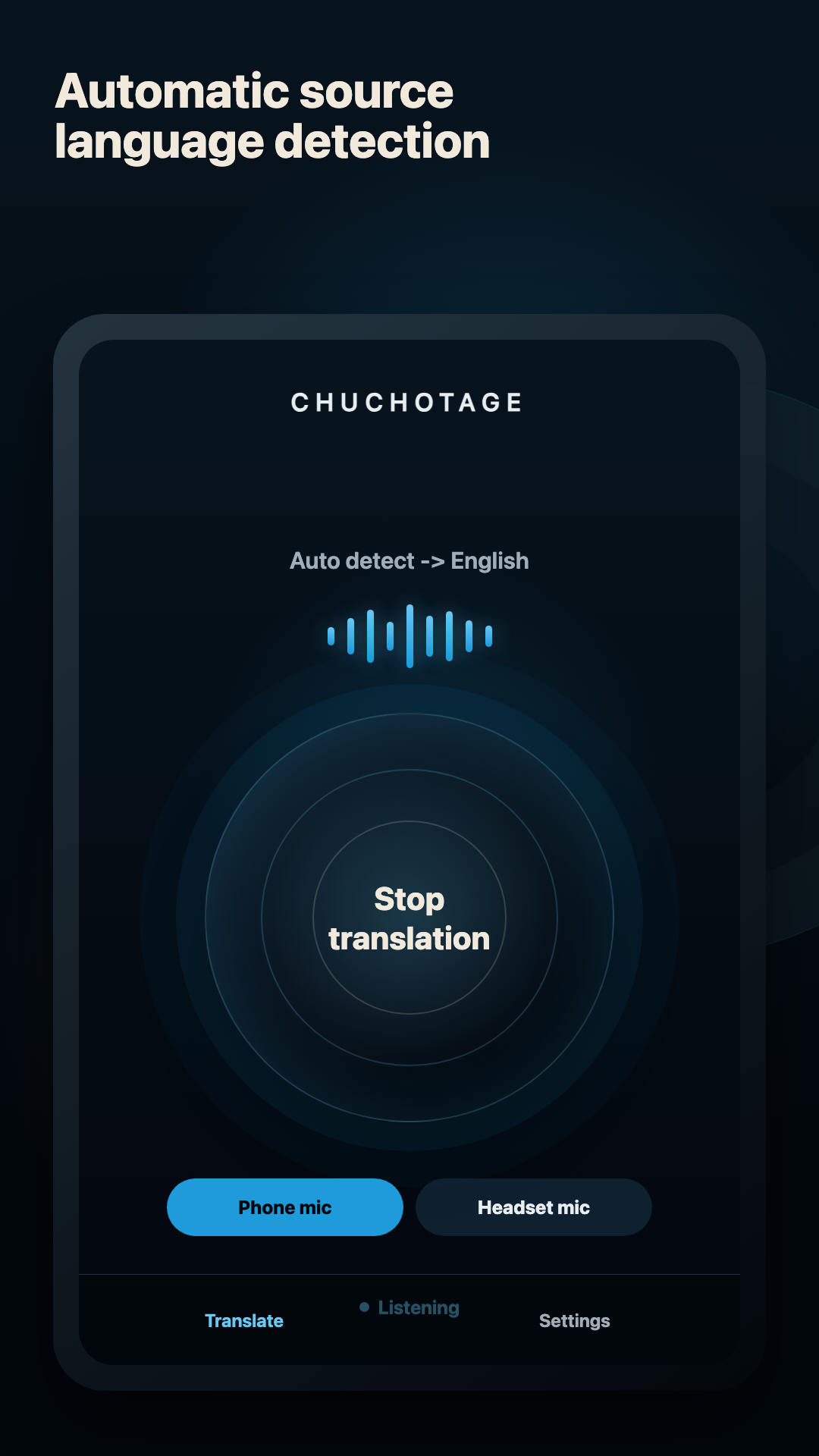
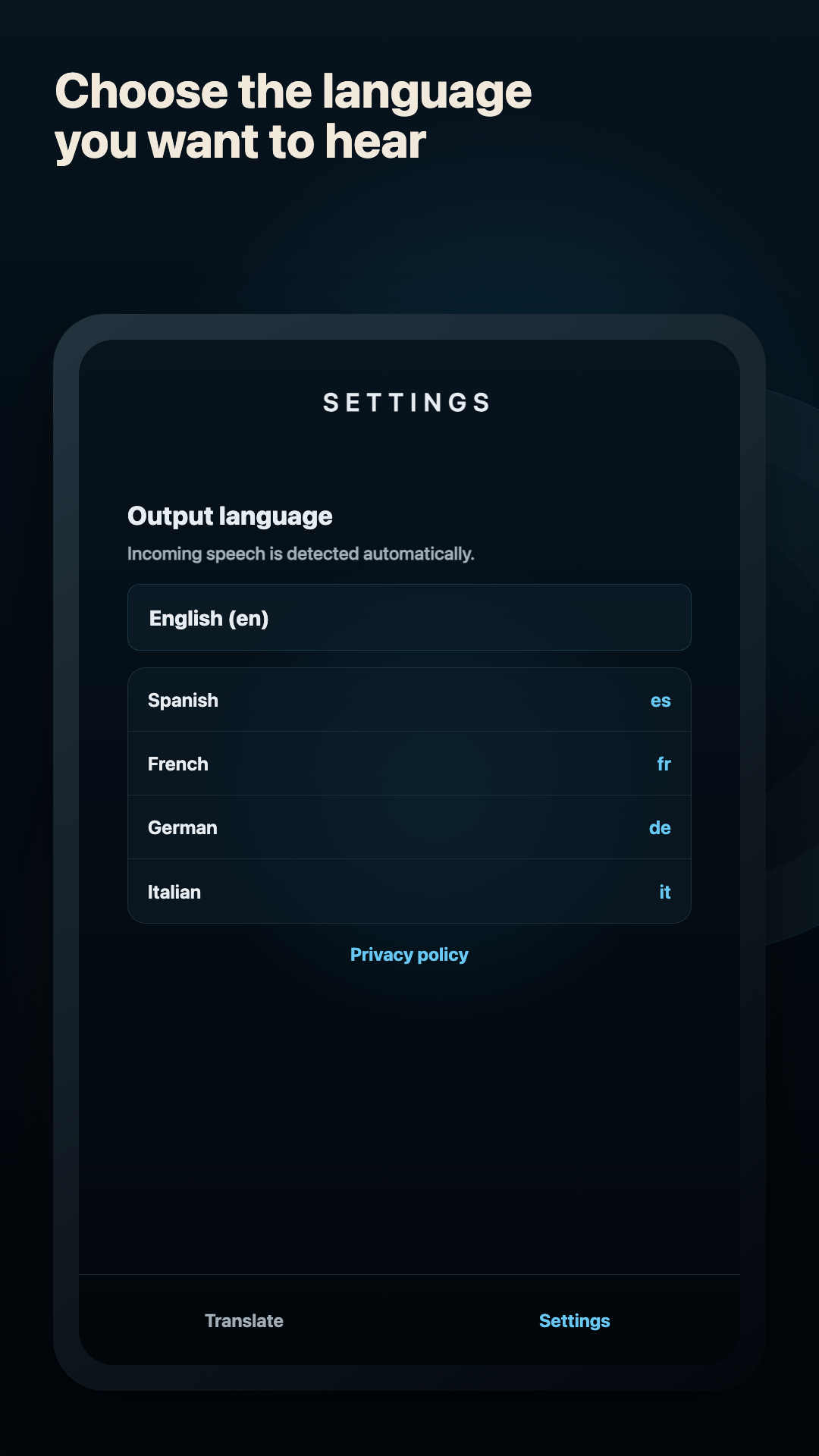
Current app screens, not mockups.
The visible app stays the same even when the source changes: start translation, listen, and choose the output language.
Platforms
Supported platforms today.
Android 10+
Native implementation supports Device audio where Android playback capture is available and the source app permits capture. Install Chuchotage from Google Play.
iPhone and iPad
Public App Store app is microphone-first today. Same-device app audio requires a separate ReplayKit broadcast feature and is not shipped.
macOS
Mac playback audio capture is the desktop equivalent where macOS allows it on supported versions.
Windows
The Windows companion has a playback-audio route, and a preview Windows zip is available on the download page.
Audio sources
Headphones, mics, and app audio.
Device audio
Captures eligible media/app playback through Android's playback-capture path after the system prompt.
Phone mic
Use this for speech physically around you instead of audio playing inside the phone.
Headset mic
Use this when listening to people nearby in a noisy room and a headset microphone is available.
Headphones
Recommended for translated output. They reduce echo and keep translation private.
Limits
What does not work yet.
Android 9 and older cannot use this Device audio path.
Some apps block playback capture, so their audio will not be available to Chuchotage.
Android does not provide a reliable per-app original-audio suppression path for Chuchotage.
Device audio still depends on Android playback-capture permission and source-app capture support.
Privacy shape
Personal translation without an ad or analytics layer.
No ads and no analytics SDKs in the app.
Credentials and app preferences are stored on the device using the platform secure-storage path.
In Chuchotage account mode, selected audio and translation settings pass through the Chuchotage relay to OpenAI while translation is active; Chuchotage does not store audio or transcript content. Personal API-key mode connects directly to OpenAI.
Chuchotage does not run a hosted audio relay and does not keep transcript history.
Related pages
Pick the route that matches what you need to translate.
Download