Live speech translation app
Live speech translation, in your ear.
Chuchotage listens to nearby speech, detects the source language automatically, and plays translated audio in the language you choose.
Use caseFollow a dinner, class, counter, or hallway conversation without stopping everyone to translate each sentence.
TodayPublic iPhone, iPad, Android, and Mac paths, plus Windows platform work with clear release limits.
Not forEmergencies, legal decisions, medical decisions, or any situation where a certified interpreter is required.
What it does
What it does
Use Chuchotage as a personal live speech translator: start a session, choose the language you want to hear, and listen through headphones or the current device output.
The app is built for listen-along moments, not meeting management. It does not ask you to pick the source language, create a transcript archive, or run a hosted Chuchotage audio server.
Screenshots
Current app screens, not mockups.
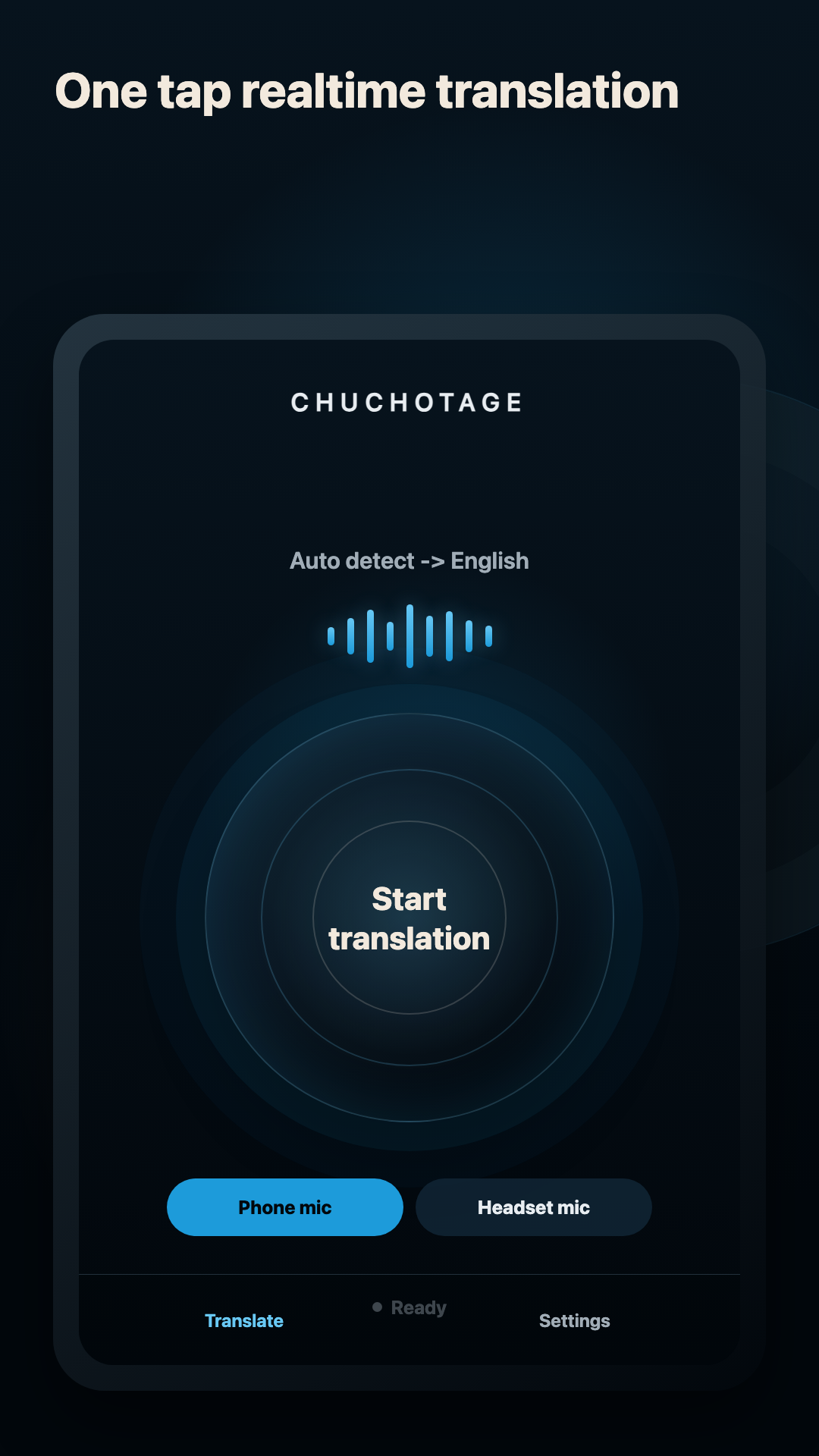
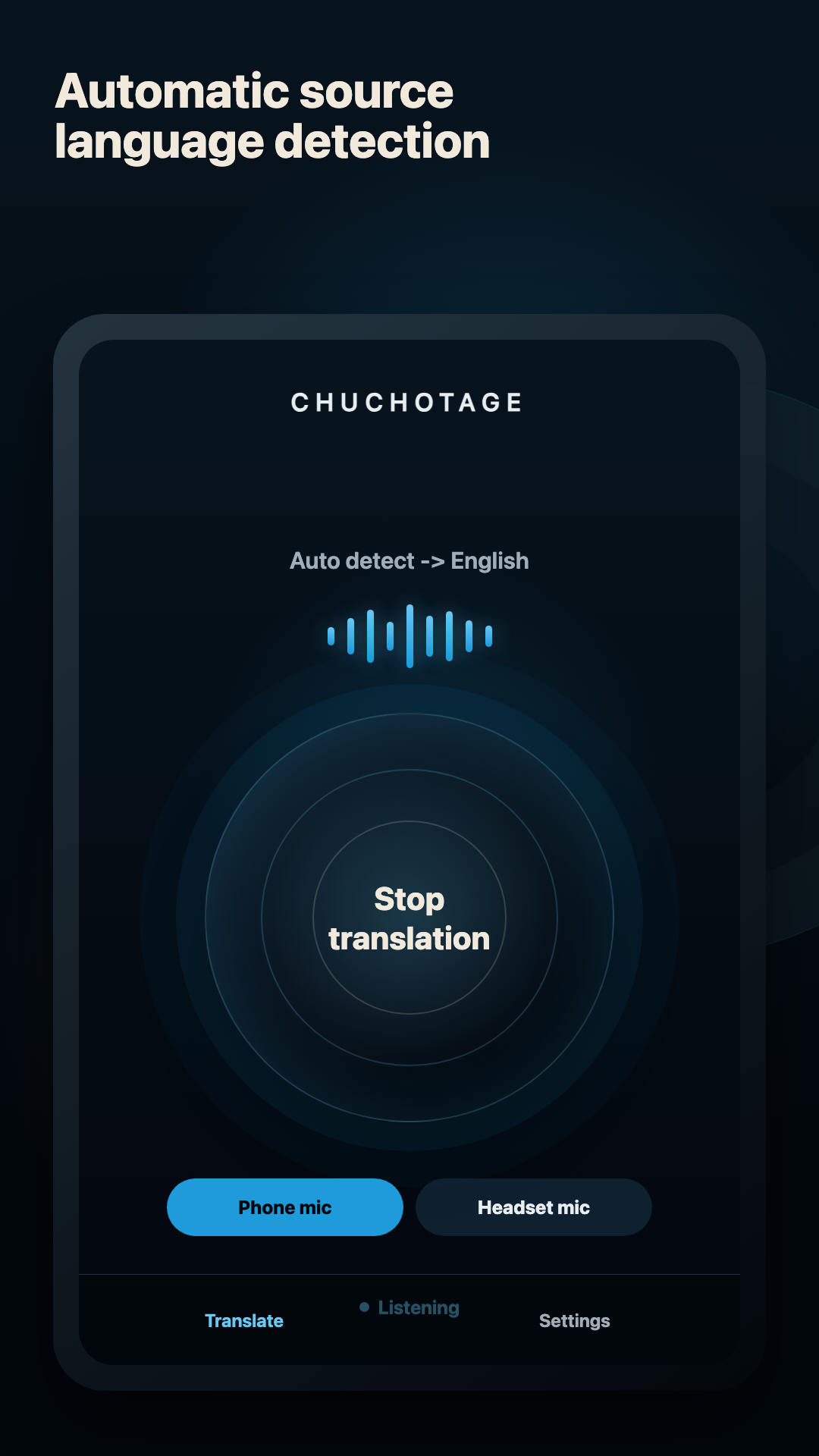
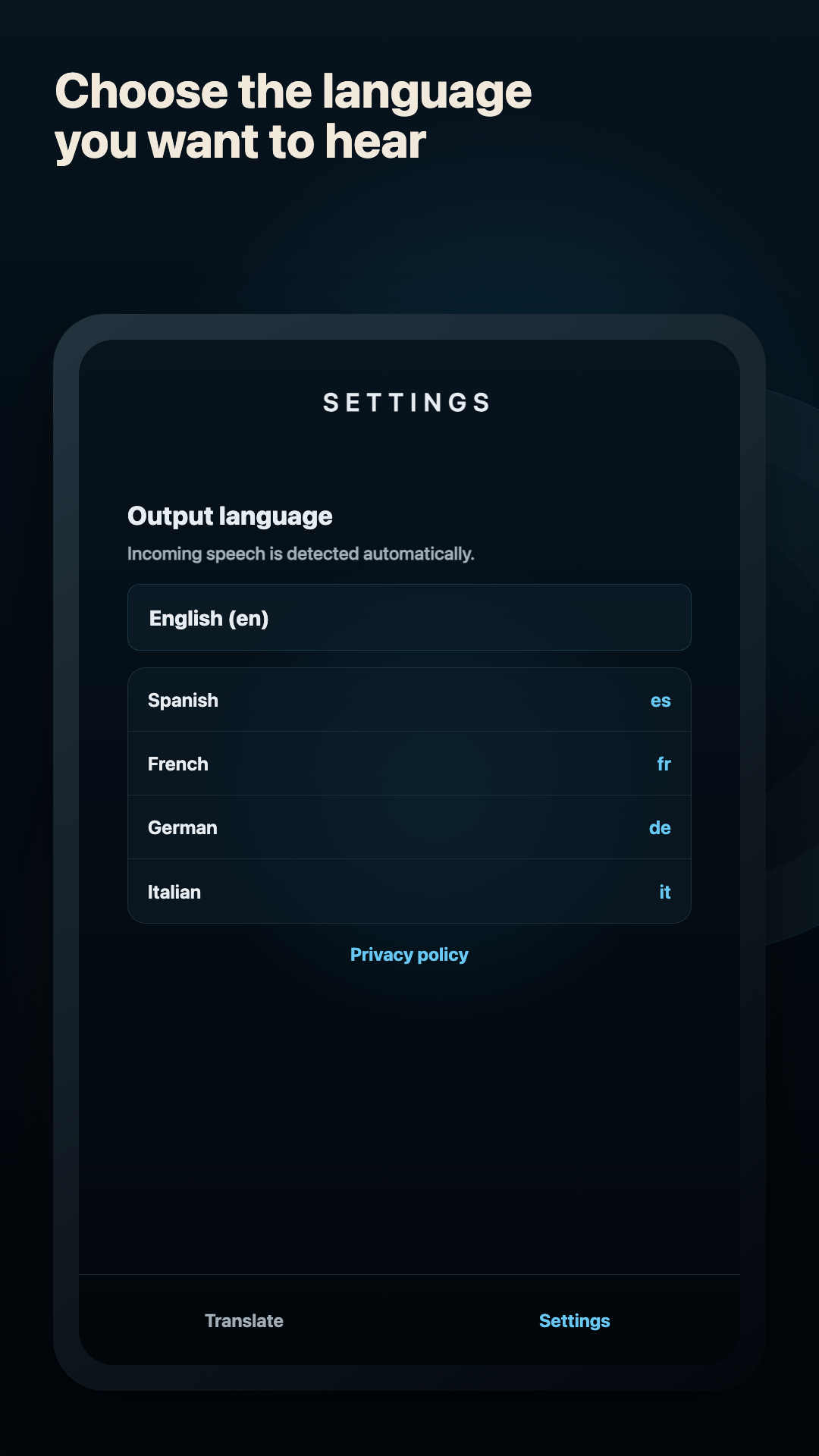
These are real current app screens: the start control, live listening state, and output-language selection.
Platforms
Supported platforms today.
iPhone and iPad
Public on the App Store. Current iOS/iPadOS use is microphone-first with translated playback; same-device app audio is not shipped yet.
macOS
Mac download is listed on the site. The Mac app is built for playback-audio translation with macOS system-audio permission on macOS 14.2+.
Android
Public on Google Play. The native Android app supports Phone mic, Headset mic, and Device audio on Android 10+ where Android permits playback capture.
Windows
The Windows companion captures selected Windows playback audio and plays translated audio to a selected output device. A preview Windows zip is available on the download page.
Audio sources
Headphones, mics, and app audio.
Phone or built-in mic
Good for nearby speech, rooms, travel counters, and in-person conversations. Headphones still help keep translated audio out of the mic.
Headset or earbud mic
Useful in noisy rooms. If a headset mic is selected and unavailable, Chuchotage should fail clearly instead of silently using the wrong mic.
Device or app audio
Available only where the platform allows it: Android playback capture for eligible apps, Mac playback capture on supported macOS, and Windows playback capture in the companion.
Headphones and earbuds
Recommended for private listening and feedback reduction. On Windows, separate source and translated playback devices are still the cleanest no-admin setup.
Limits
What does not work yet.
Needs an internet connection during translation.
Live translation can be wrong, delayed, or incomplete.
iOS/iPadOS same-device app audio, including Zoom audio, is not current behavior.
The Windows build is a preview zip, not a Microsoft Store-signed installer yet.
Privacy shape
Personal translation without an ad or analytics layer.
No ads and no analytics SDKs in the app.
Credentials and app preferences are stored on the device using the platform secure-storage path.
In Chuchotage account mode, selected audio and translation settings pass through the Chuchotage relay to OpenAI while translation is active; Chuchotage does not store audio or transcript content. Personal API-key mode connects directly to OpenAI.
Chuchotage does not run a hosted audio relay and does not keep transcript history.
Related pages
Pick the route that matches what you need to translate.
Download