Windows live audio translator
Translate computer audio live on Windows.
The Windows companion is built for selected playback audio: webinars, browser audio, meeting sound, and translated output to the device you choose.
Use caseA webinar, browser video, Teams-style call, or training audio playing on a Windows PC.
ArchitectureElectron UI with a .NET bridge for WASAPI loopback capture, Realtime Translation, and selected playback output.
StatusPreview Windows zip is available on the download page; it is not Microsoft Store-signed yet.
What it does
What it does
The Windows companion captures audio from a selected Windows playback device, converts it to mono PCM16, streams it to OpenAI Realtime Translation, and plays translated audio to a selected output device.
It is intended to run as a normal user app without admin elevation, bundled virtual audio drivers, or a Teams integration. Account-funded sessions use the Chuchotage relay; optional personal API-key sessions connect directly to OpenAI.
Screenshots
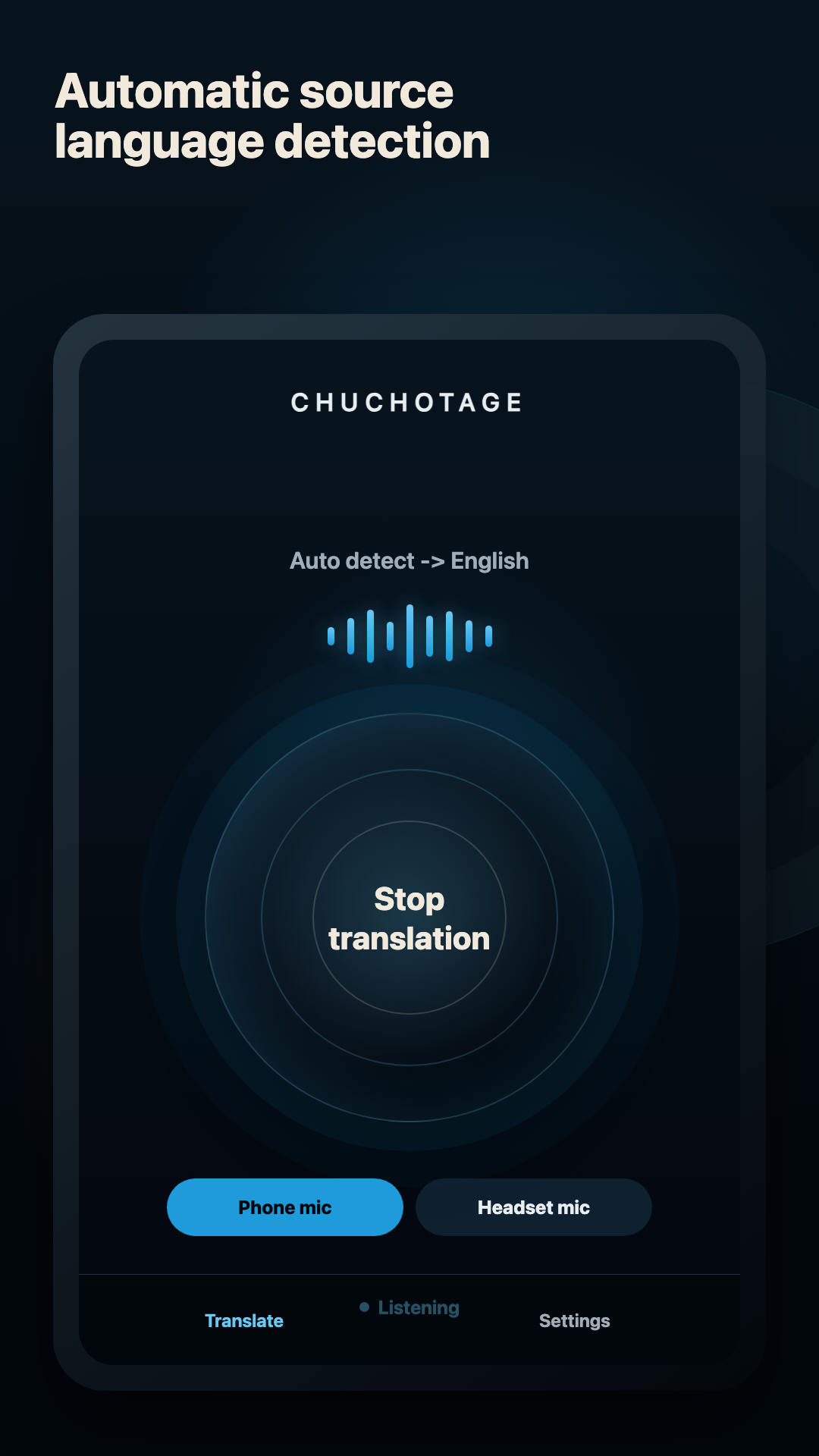
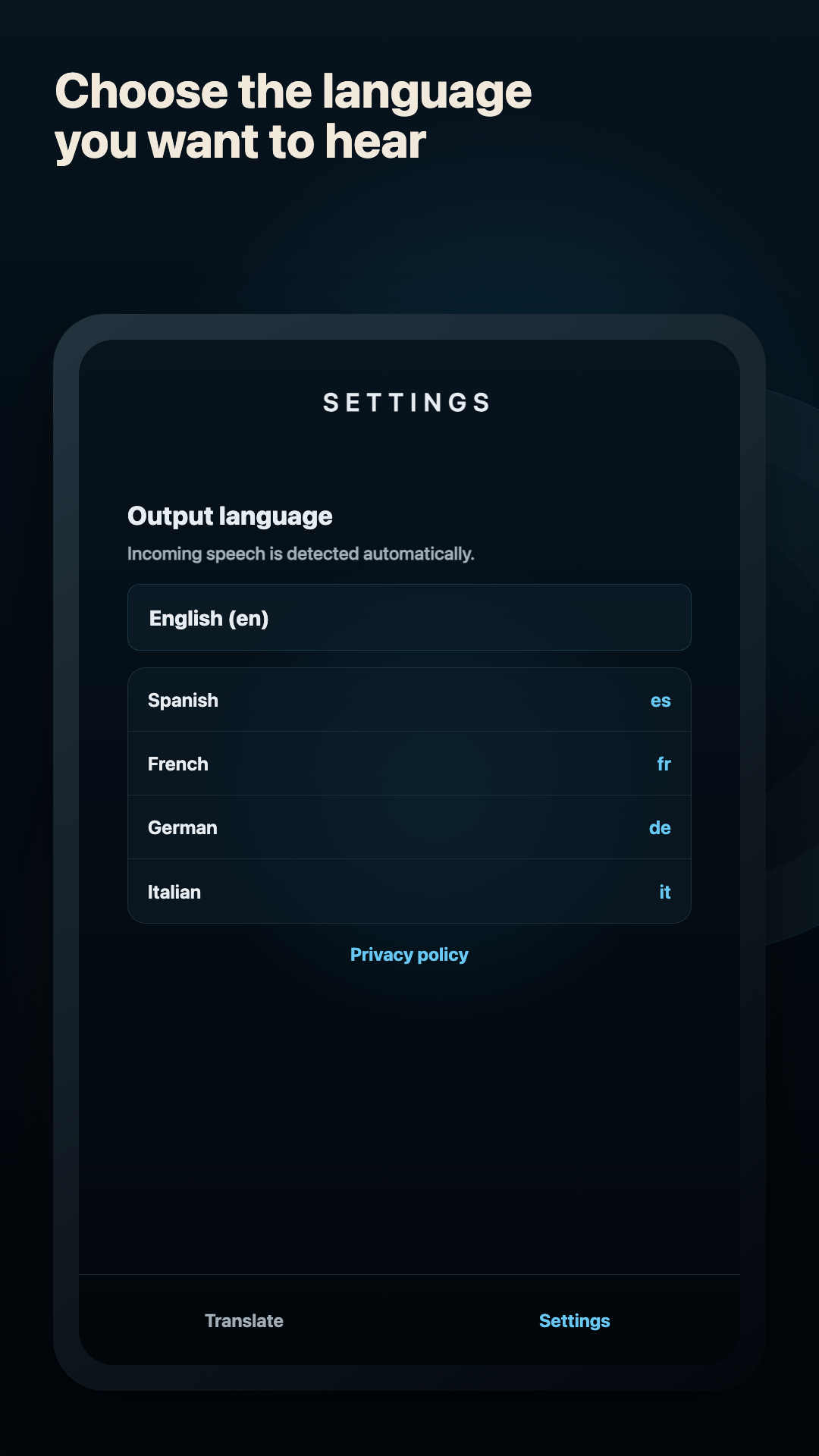
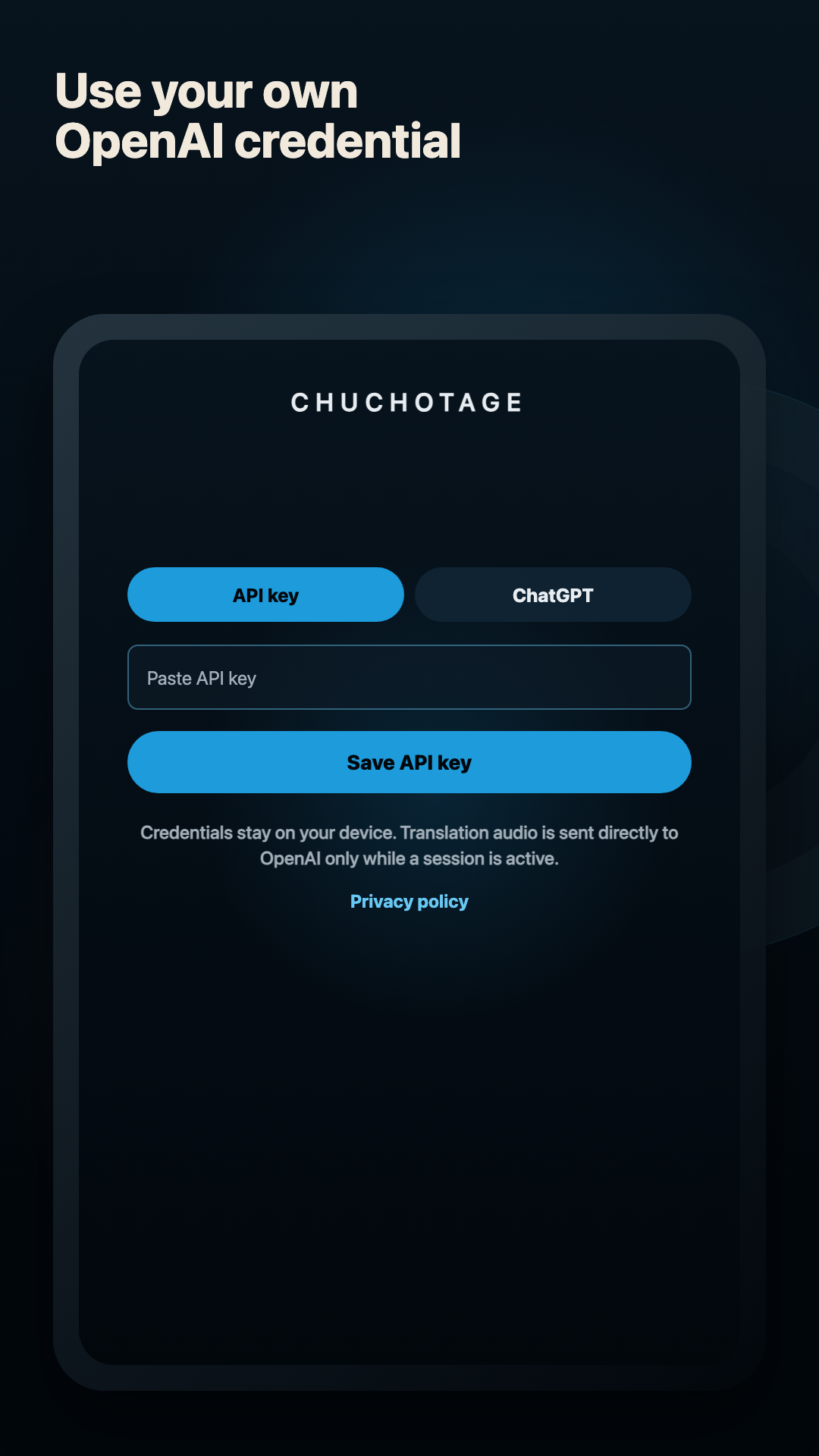
Current app screens, not mockups.
These current app screens show the shared Chuchotage flow while the Windows companion uses a desktop-specific capture backend.
Platforms
Supported platforms today.
Windows 10/11
Companion work targets Windows 10 2004 or newer and Windows 11. Same-device exclusion behavior is best on Windows 10 Build 20348 or newer.
macOS
Mac app is the closest public desktop path today, with playback-audio capture on supported macOS versions.
iPhone and iPad
Public App Store app for microphone listen-along, not Windows computer-audio capture.
Android
Native Android app is public on Google Play and has a Device audio path.
Audio sources
Headphones, mics, and app audio.
Selected playback device
Capture the output where your browser, webinar, meeting app, or media is playing.
Translated playback device
Choose a separate output device when possible, usually headphones, to avoid translating Chuchotage's own output.
Single headset
The app can try process-loopback exclusion on supported Windows builds, but separate devices are cleaner when available.
Virtual drivers
Chuchotage does not install or require virtual audio drivers. Existing admin-approved virtual devices can be used manually.
Limits
What does not work yet.
Public Windows installer/download is not posted yet.
Process-loopback exclusion requires Windows 10 Build 20348 or newer.
Bluetooth headset routes and meeting apps can behave differently across machines.
No Teams bot, meeting recorder, cloud transcript archive, or admin-only driver install.
Privacy shape
Personal translation without an ad or analytics layer.
No ads and no analytics SDKs in the app.
Credentials and app preferences are stored on the device using the platform secure-storage path.
In Chuchotage account mode, selected audio and translation settings pass through the Chuchotage relay to OpenAI while translation is active; Chuchotage does not store audio or transcript content. Personal API-key mode connects directly to OpenAI.
The account relay processes active-session audio in memory and does not keep audio or transcript history.
Related pages
Pick the route that matches what you need to translate.
Download